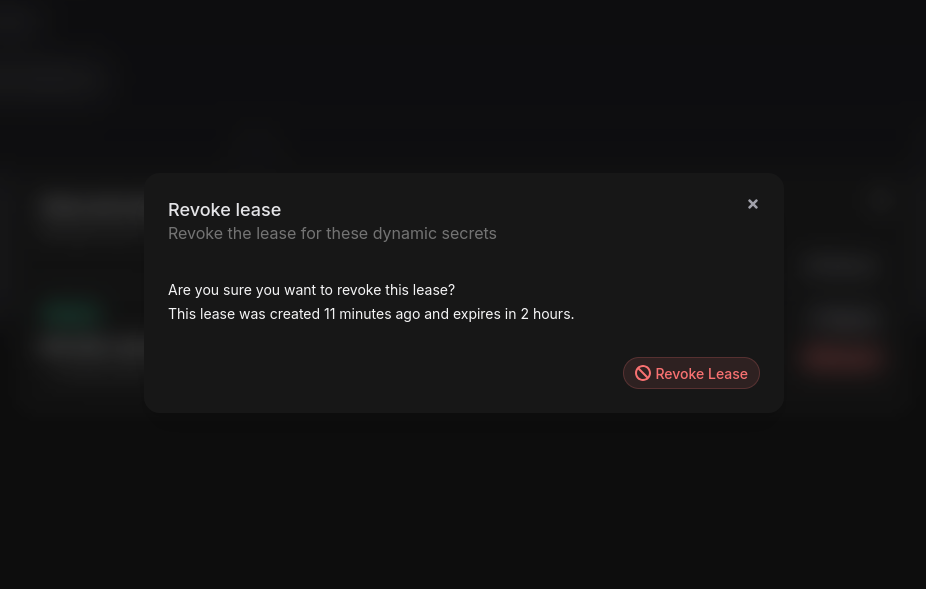
Dynamic Secrets
Manage your Dynamic Secrets in the Phase Console. This page covers the practical steps for creating Dynamic Secrets, generating leases, and managing credential lifecycles through the Console UI.
Dynamic Secrets are available for organisations with an Enterprise tier subscription.
Create a Dynamic Secret
- Navigate to the "Secrets" tab and open a specific Environment.
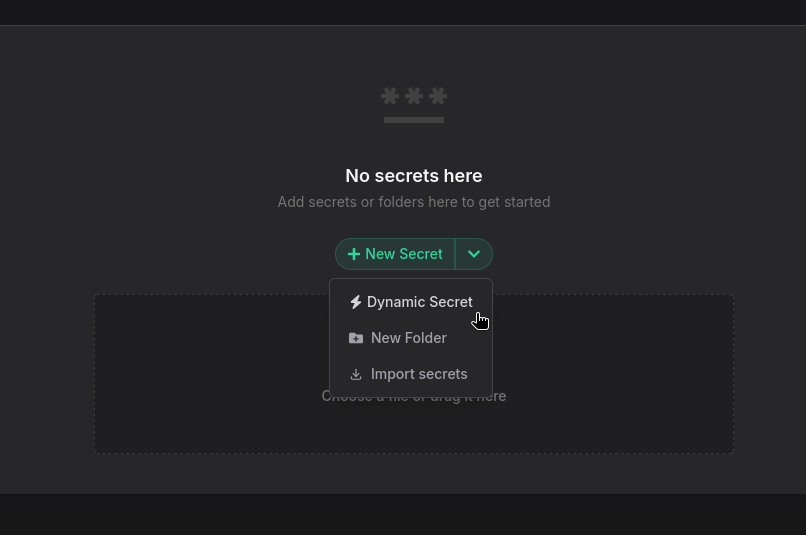
- Click on the Dynamic Secret button under the New Secret menu.
You need to enable SSE for the App to use Dynamic Secrets.
- Choose a provider, then fill in the required fields. For details on what each field means, see Platform > Dynamic Secrets > Configuration.
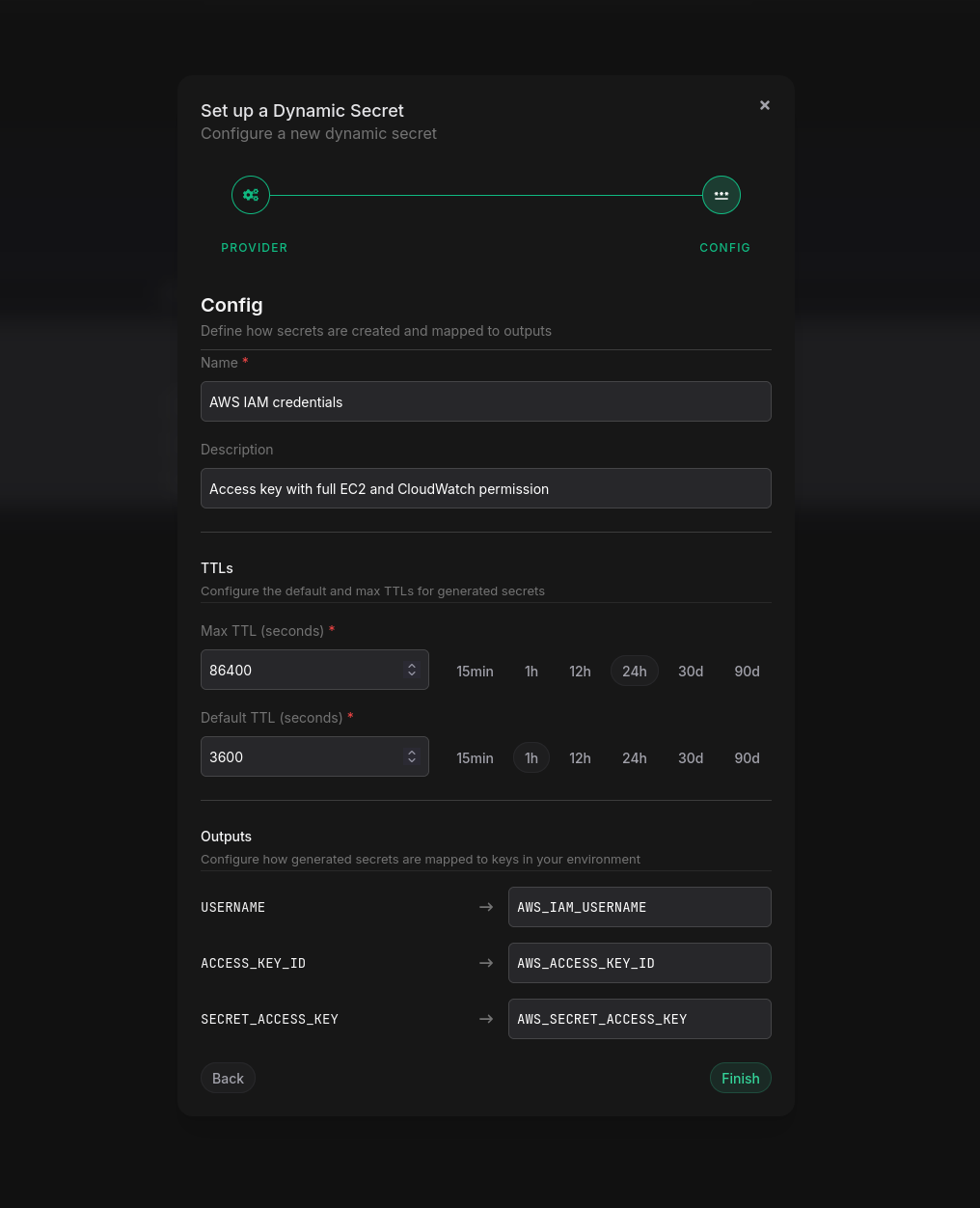
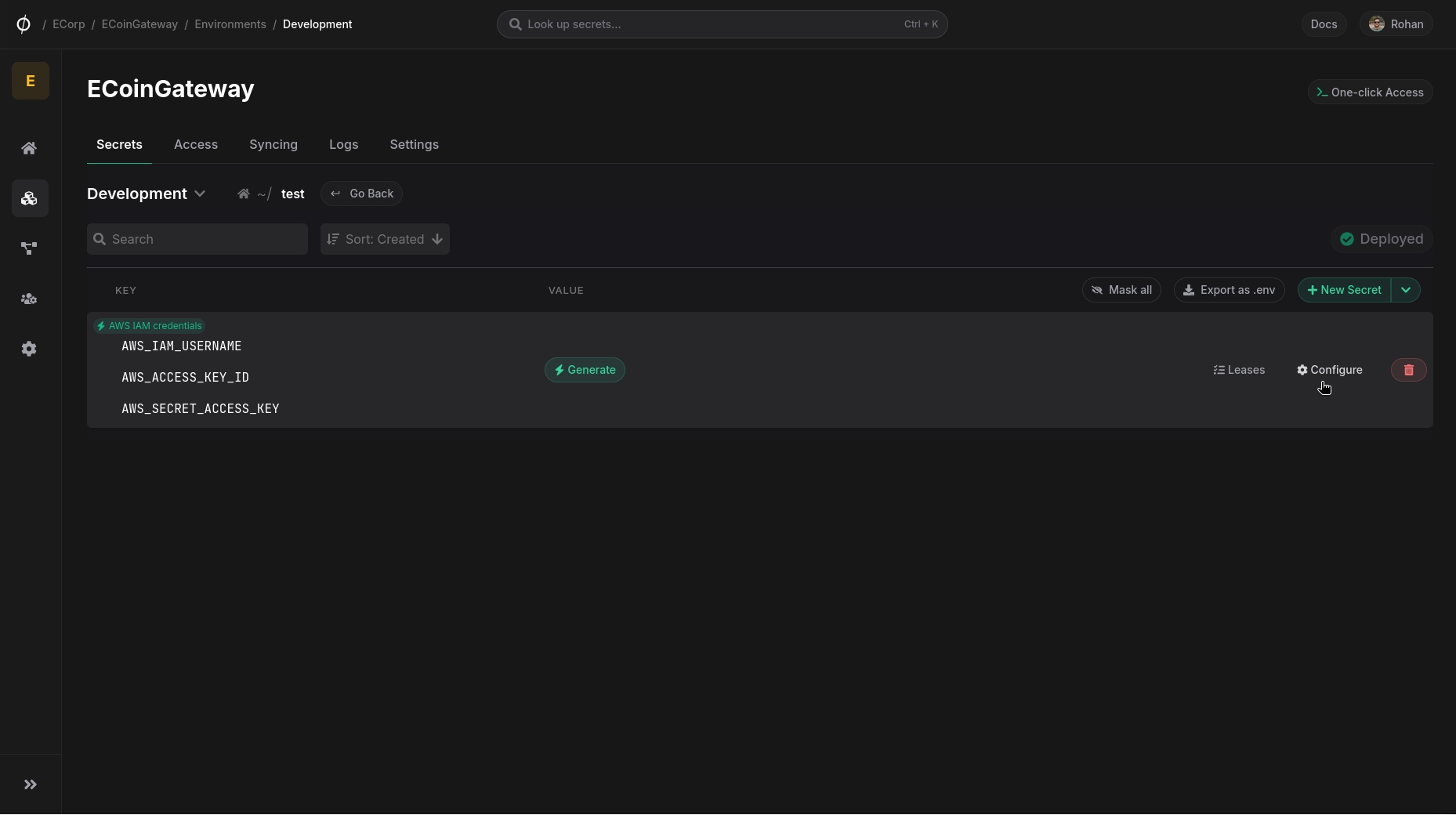
- Click Finish to save your configuration. Your dynamic secret will now appear in the list of secrets for the Environment. You can update the configuration at any time by clicking Configure.
Generate a Lease
To lease credentials for a Dynamic Secret:
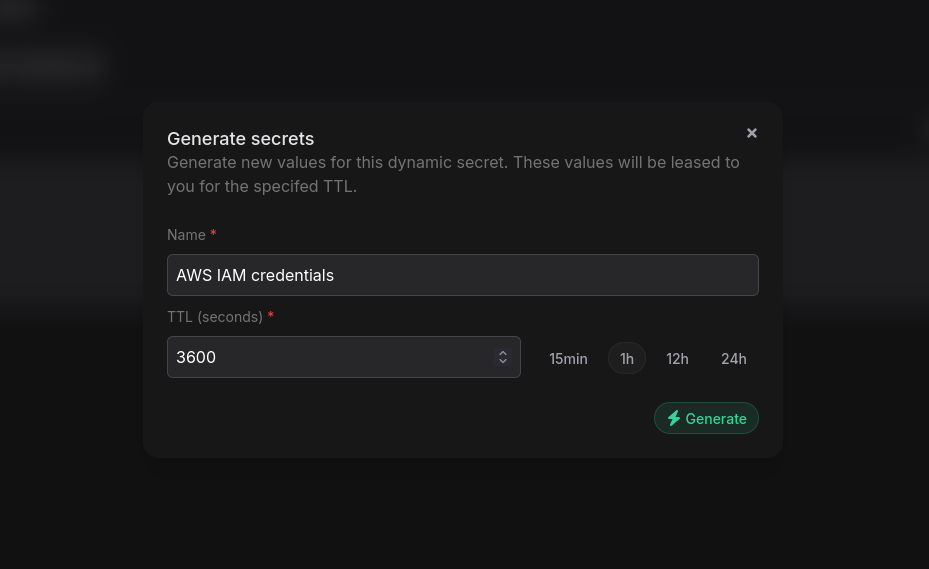
- Click on the Generate button for the secret.
- Provide a name for the lease and a TTL in seconds.
- Click "Generate".
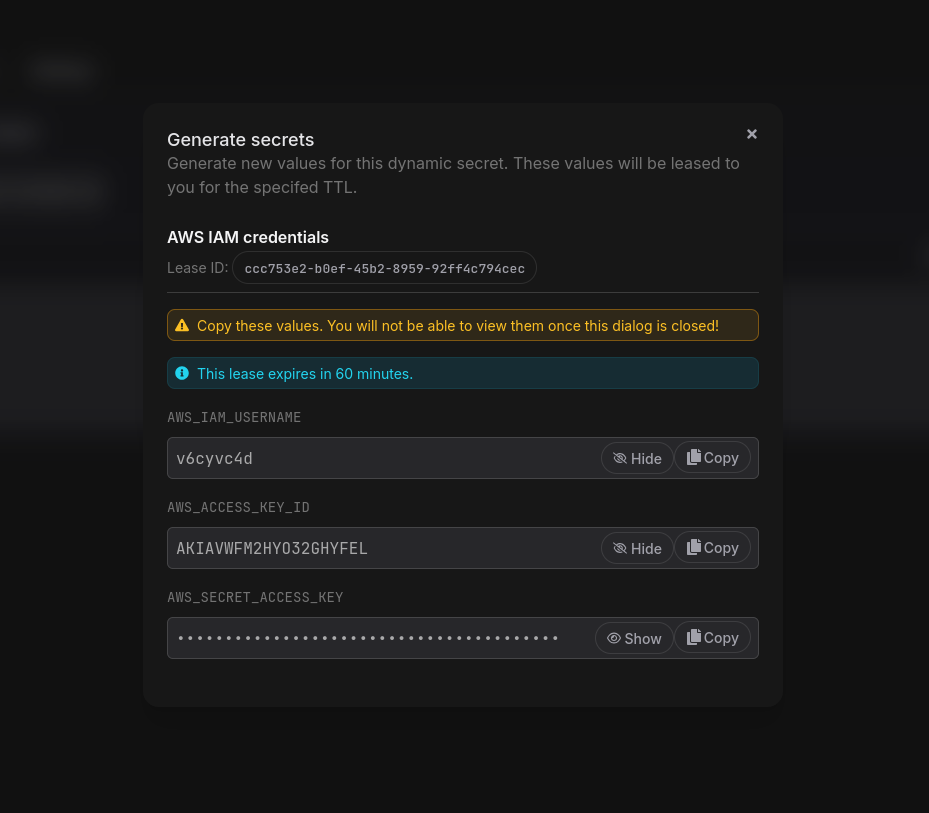
The generated credentials will be displayed along with the lease ID and expiration time. Make sure to copy the credentials, as they will not be displayed again.
Delete a Dynamic Secret
Click the Delete button next to the secret in the list.
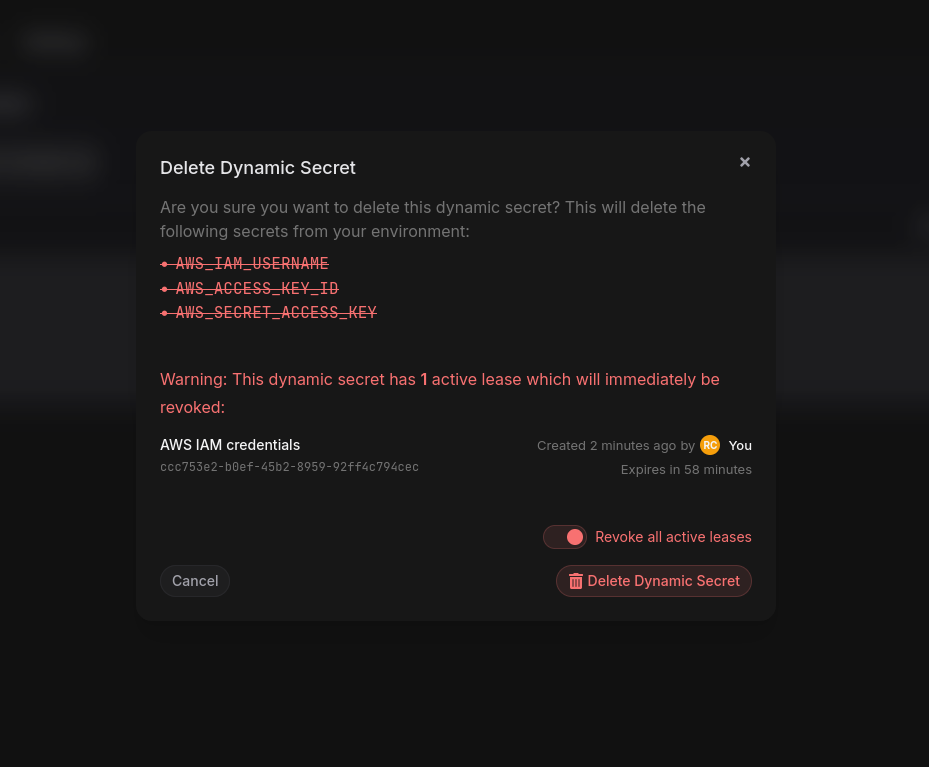
Deleting a Dynamic Secret will immediately revoke all active leases and remove all associated credentials from your environment.
If there are active leases, you will need to confirm by toggling Revoke all active leases, then click Delete Dynamic Secret.
Managing Leases
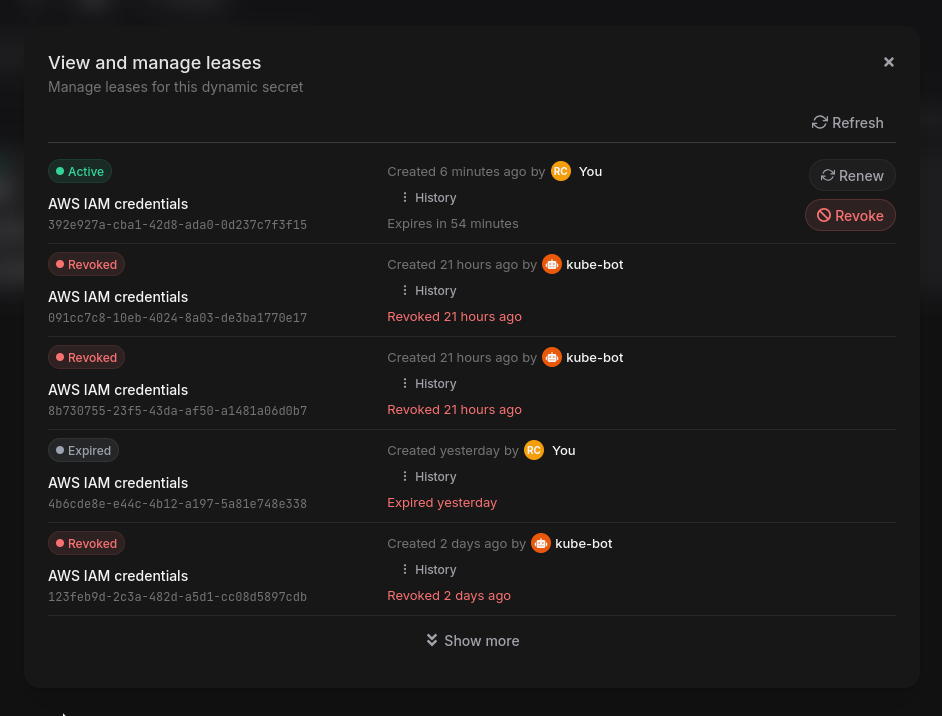
Click the Leases button for a Dynamic Secret to view and manage its leases.
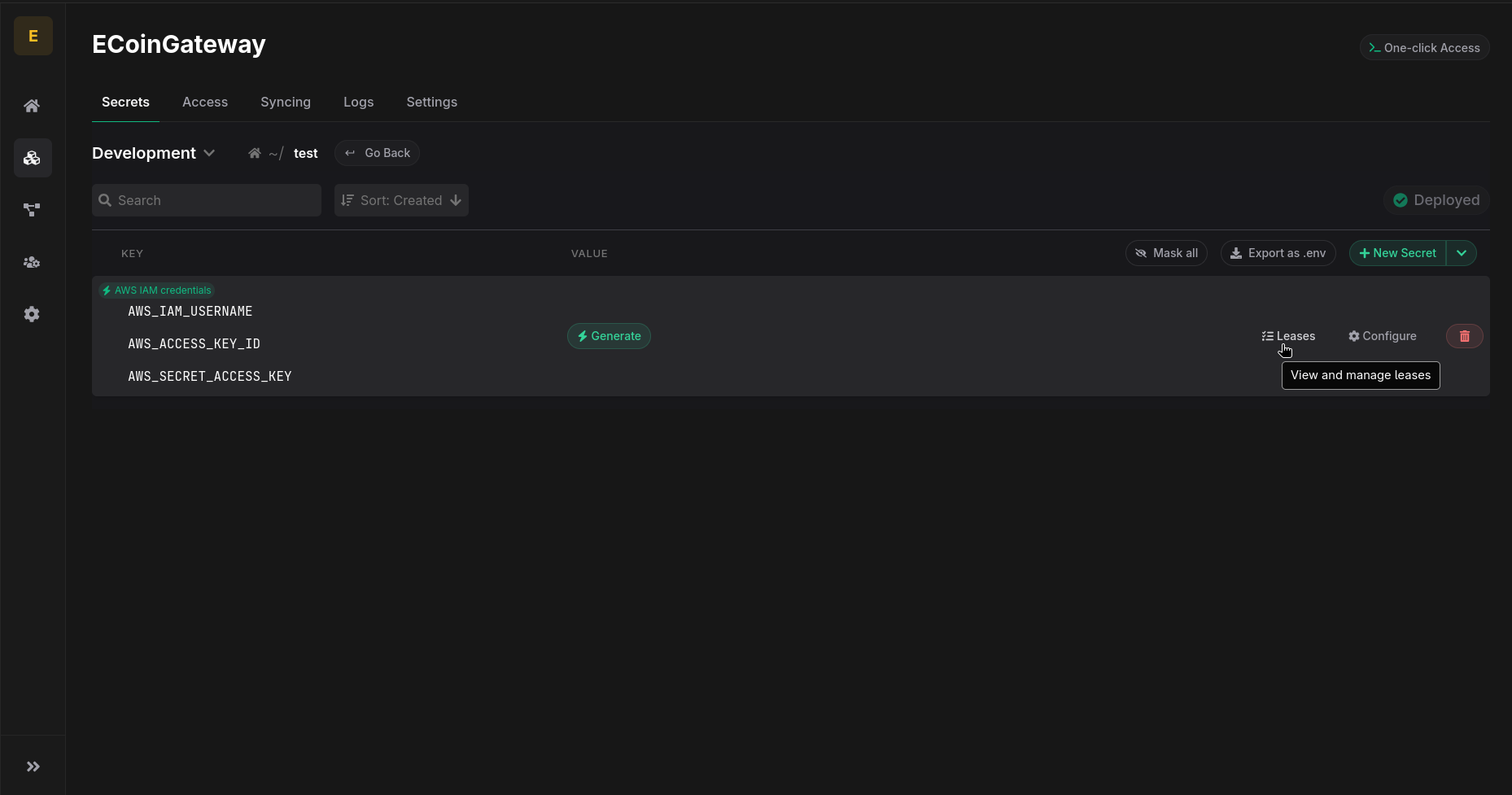
This shows all active leases with their lease ID, name, creation time, expiration time, and status.
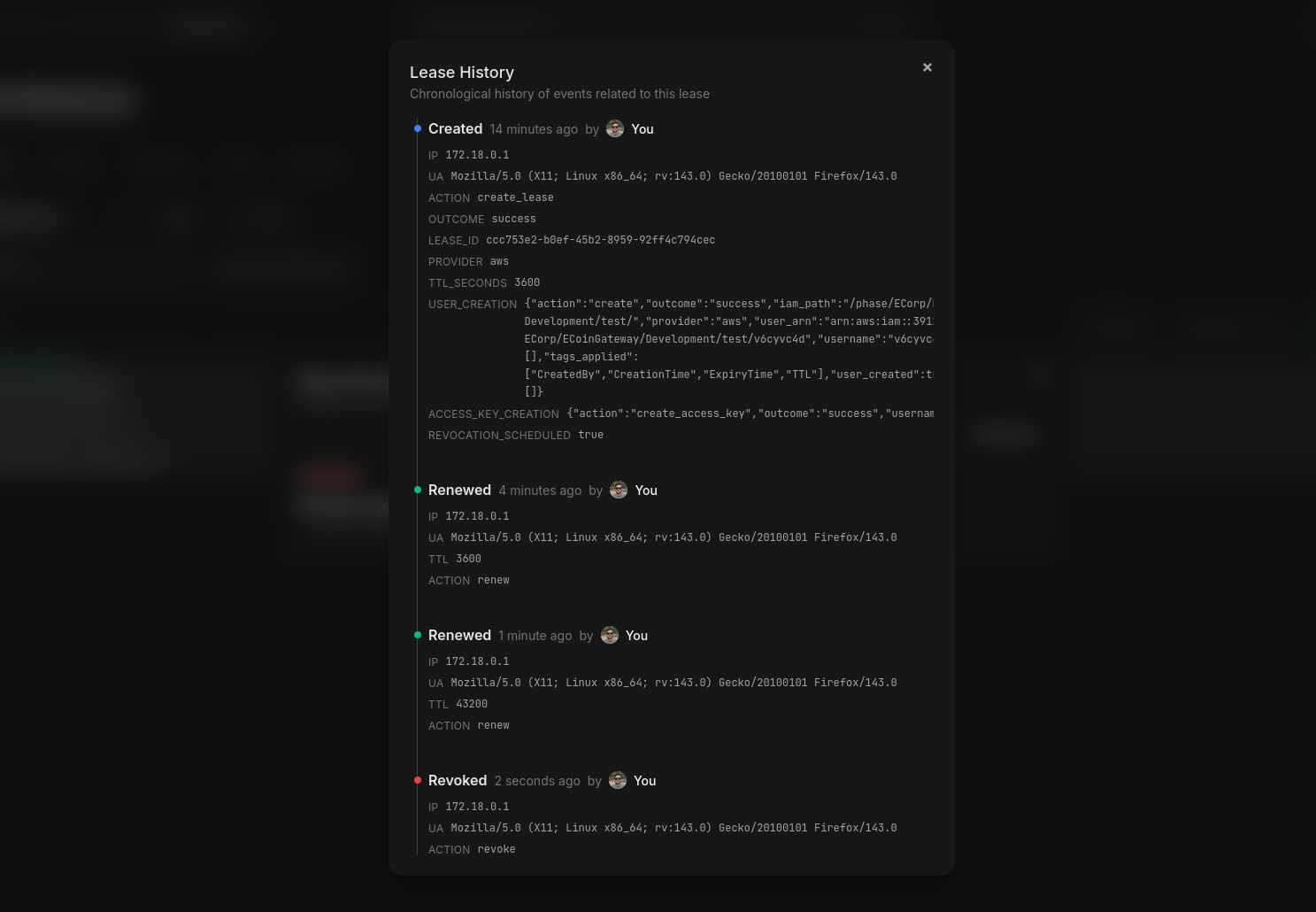
Click History to view the complete event log for a specific lease.
Renew a Lease
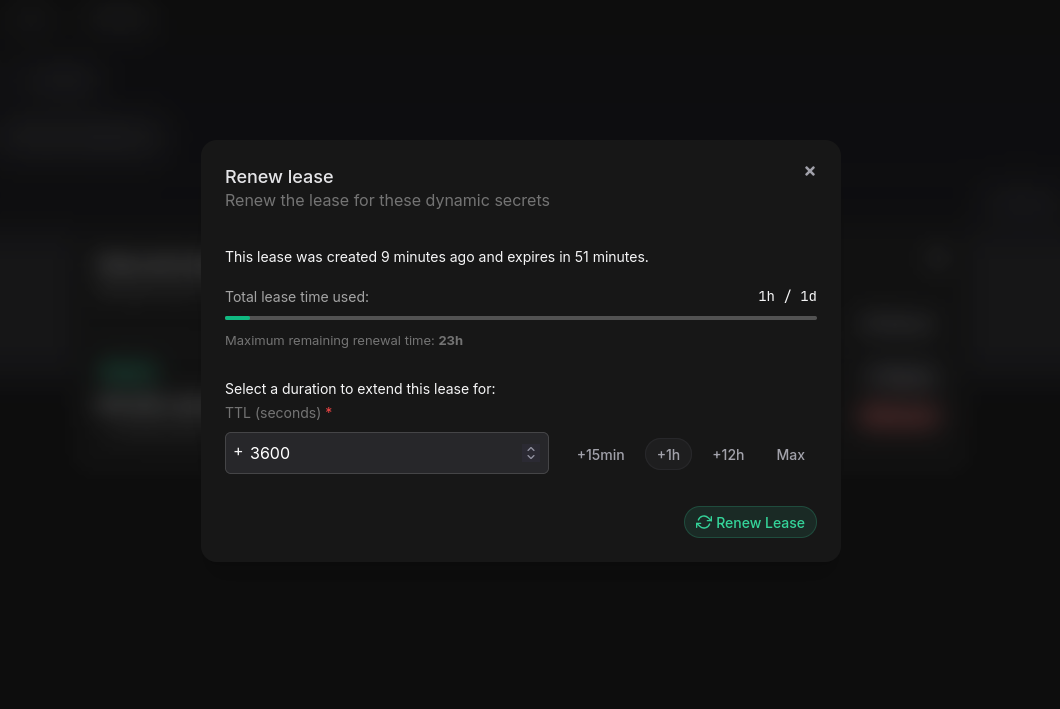
Click Renew next to a lease. Provide a TTL in seconds and click Renew. The available TTL for renewal will be displayed in the dialog. For details on renewal limits, see Platform > Dynamic Secrets > Renewing a Lease.
Revoke a Lease
Click Revoke next to a lease and confirm. This will immediately delete the credentials on the third-party service.